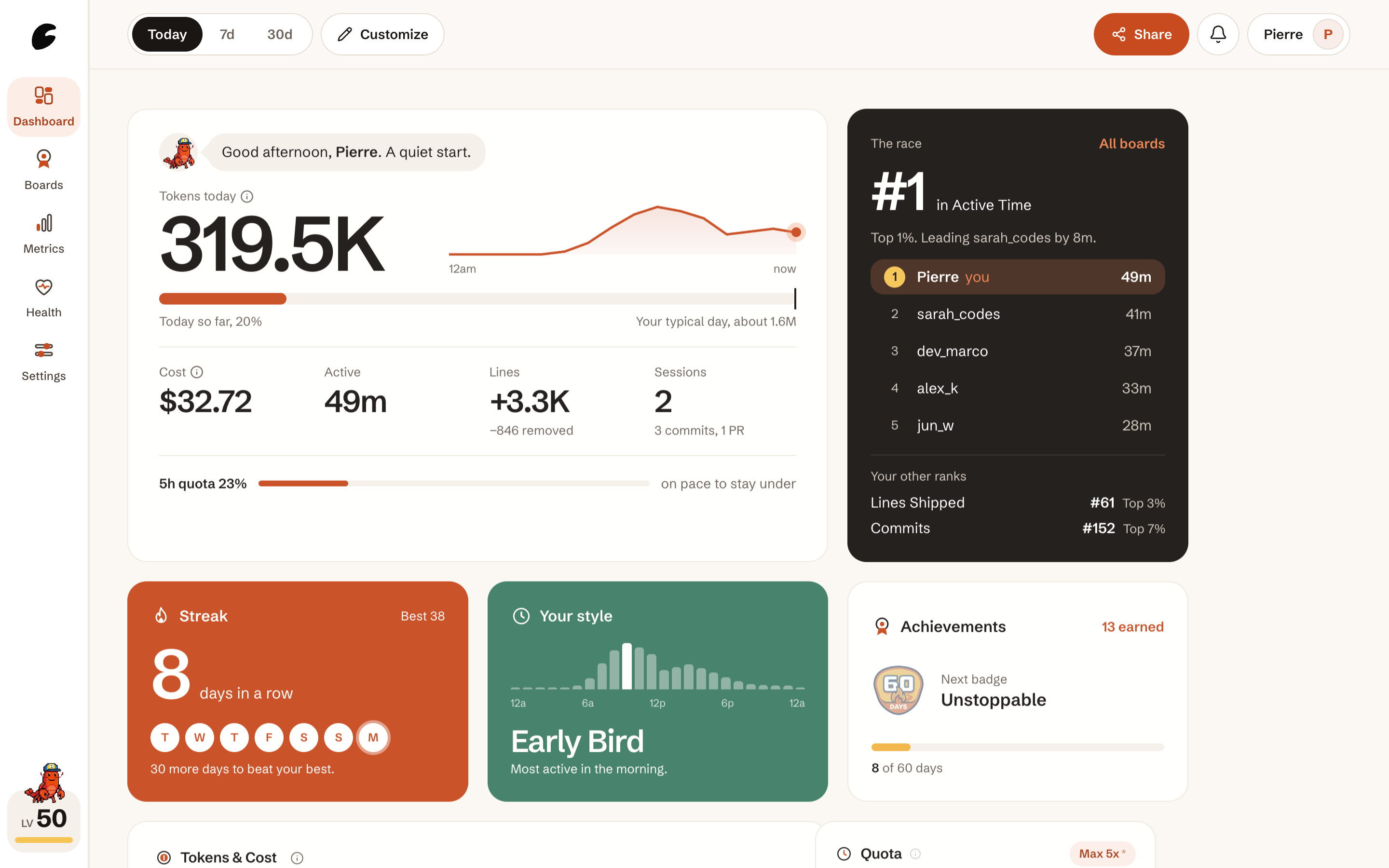
After installing Claude Code, the tools worth adding are the ones that sit around it rather than inside it: the GitHub CLI so it can open pull requests, a status line and a limits view so you can see what it is using, a sound so you know when it needs you, worktrees and tmux so you can run more than one session, lazygit to read what it changed, Gitleaks to stop it committing a key, and Context7 so it reads current documentation. Three of those nine are already built into Claude Code and only need switching on.
Search for Claude Code tools and nearly every result is a list of plugins. Plugins are worth a look, but they change what the agent can do. This list is about your own setup: what you see, what you hear, and what stops a mistake from landing. A disclosure: we make LobsterOne, and it is mentioned twice below as one option among several. Star counts and licences were read from GitHub on November 18, 2026.
The List
| # | What | Why | Built in? |
|---|---|---|---|
| 1 | GitHub CLI | Pull requests, issues, CI status | No |
| 2 | A status line | Context and cost, always visible | Yes |
| 3 | A notification sound | Know when it needs you | Yes, through hooks |
| 4 | A limits view | Quota outside the terminal | /usage, or an app |
| 5 | Worktrees | Parallel sessions that cannot collide | Yes |
| 6 | tmux | Sessions that survive a closed window | No |
| 7 | lazygit | Read the diff before you accept it | No |
| 8 | Gitleaks | Stop a committed secret | No |
| 9 | Context7 | Current library documentation | No |
1. The GitHub CLI
Install gh first. It is GitHub’s official command-line tool, MIT licensed, and Claude Code uses it to create pull requests when you ask for one. With gh signed in, “create a pr” works end to end, and Claude Code links the session to the pull request so you can return to it later with claude --from-pr and the number.
2. A Status Line
Claude Code has a customisable status line: a row at the bottom of the terminal that runs any script you give it and shows the result. It receives session data as JSON, so it can show context window usage, session cost, the model, or your git branch.
The built-in docs include examples. If you would rather not write one, ccusage ships a ready-made status line command, currently marked beta. Either way, context usage is the number to watch. In our experience an agent near the end of its context window gets less reliable before it says anything.
3. A Sound When It Needs You
Claude Code can run a shell command at set moments through hooks, including when it is waiting for permission and when it finishes. Point a hook at a sound and you can stop watching the terminal.
Our guide to Claude Code notification sounds has settings to copy for macOS and Linux. The free LobsterOne Mac app sets up the same hooks with a choice of sound packs if you would rather not edit JSON.
4. A Limits View Outside the Terminal
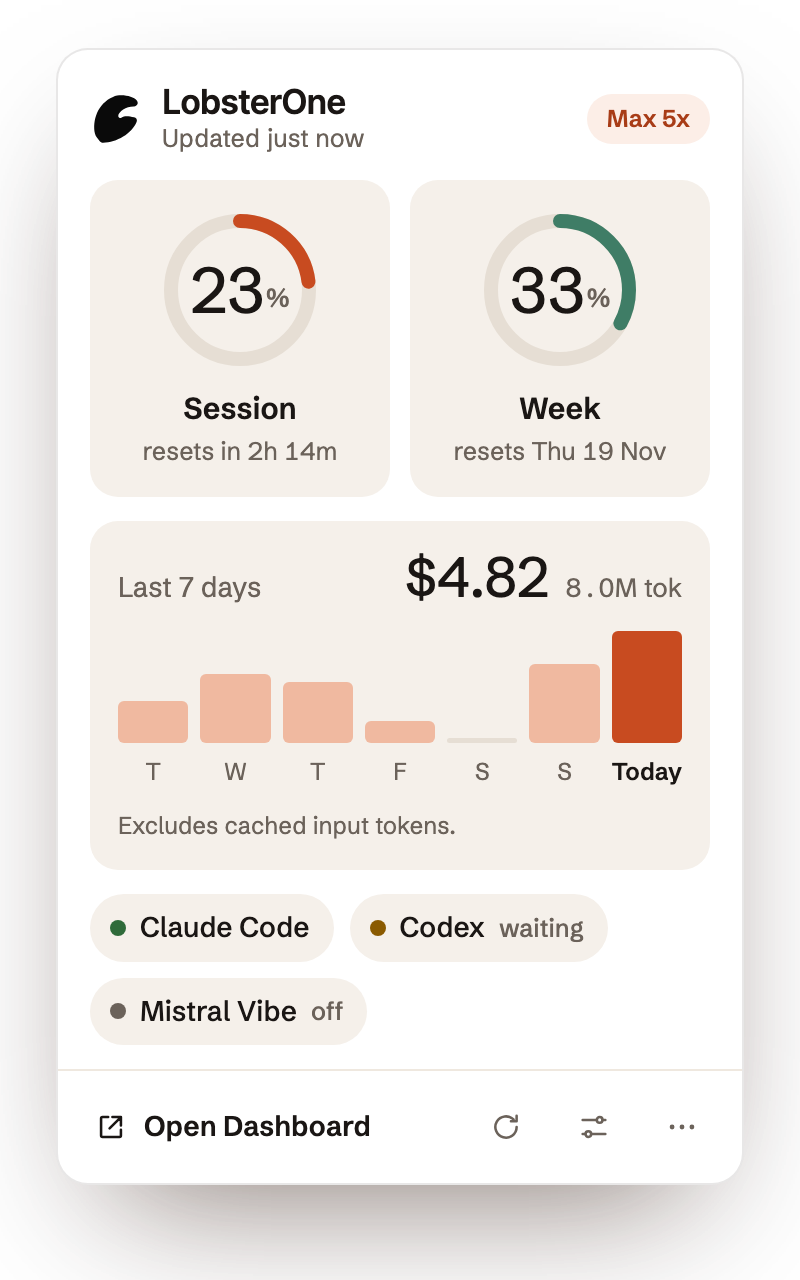
/usage shows how much of your session and weekly limit is used, but only when you type it. A menu bar app keeps it in view. CodexBar and ClaudeBar are both free and open source. LobsterOne, ours, does the same for Claude Code, Codex, and Mistral Vibe and adds a pace warning for Claude Code.
We compared ten of these in the best Mac menu bar apps for AI coding.
5. Worktrees
Running two sessions in the same folder ends with one overwriting the other. Claude Code solves this itself:
claude --worktree feature-authThat starts a session in its own git worktree, a separate checkout on its own branch. Run it again with a different name in a second terminal for an isolated parallel session. You do not need a third-party tool for this any more.
If you want one screen to manage many sessions across Claude Code and other agents, ccmanager (MIT) and Claude Squad (AGPL-3.0, 8,800 stars) do that.
6. tmux
tmux keeps terminal sessions alive after the window closes. That matters for long agent runs: close the laptop lid on a train, reconnect, and the session is where you left it. It also lets you split one window into several panes, one per agent. It is ISC licensed with 50,000 stars and has been stable for years. Several agent managers, Claude Squad among them, are built on top of it.
If tmux feels like too much, claude --continue resumes your most recent session in a folder and covers the simplest case.
7. lazygit
The agent writes; you still have to read. lazygit is a terminal interface for git, MIT licensed with 84,000 stars, that makes it quick to step through changed files, stage some hunks and not others, and discard what you do not want. Keeping it open in a pane beside the agent turns review into a habit instead of a chore before each commit.
8. Gitleaks
Agents will put an API key in a file to make something run. Gitleaks scans for secrets and is MIT licensed with 31,000 stars. Install it as a pre-commit hook so the commit is refused before the key reaches history. Then run it once over your existing history. If it finds something, rotate the key; deleting the line does not remove it from past commits.
9. Context7
Context7 serves current library documentation to coding agents. It is MIT licensed with 65,000 stars. Strictly speaking it is an MCP server, not a plugin: you add it once with claude mcp add, and the agent can look up the present-day API of a library instead of relying on what it remembers from training. It earns its place the first time it prevents code written against a deprecated function.
What to Skip
You do not need all nine on day one. If you install two things, make them gh and Gitleaks: one makes the agent more useful, the other stops the costliest mistake. Switch on a notification sound next, because it costs five minutes and returns your attention.
For the wider set of tools around any coding agent, including hosting, error tracking, and review, see the vibe coder’s toolkit.
Track these metrics automatically with LobsterOne
Get started freeClaude Code already does more than most people use. Before installing anything, check whether the feature you want is a setting you have not turned on yet.