A Claude Code and Codex screensaver for Mac: Forecast: heavy tokens.
A Claude Code screensaver for your Mac. Each response from Claude Code, Codex or Mistral Vibe falls down the screen as a column of light, and today’s token usage stays in view. This whole page is the default style, running.
Go on, make it rain.
Sample data, drawn in your browser. Press 1, 2 or 3.
0 shells hauled
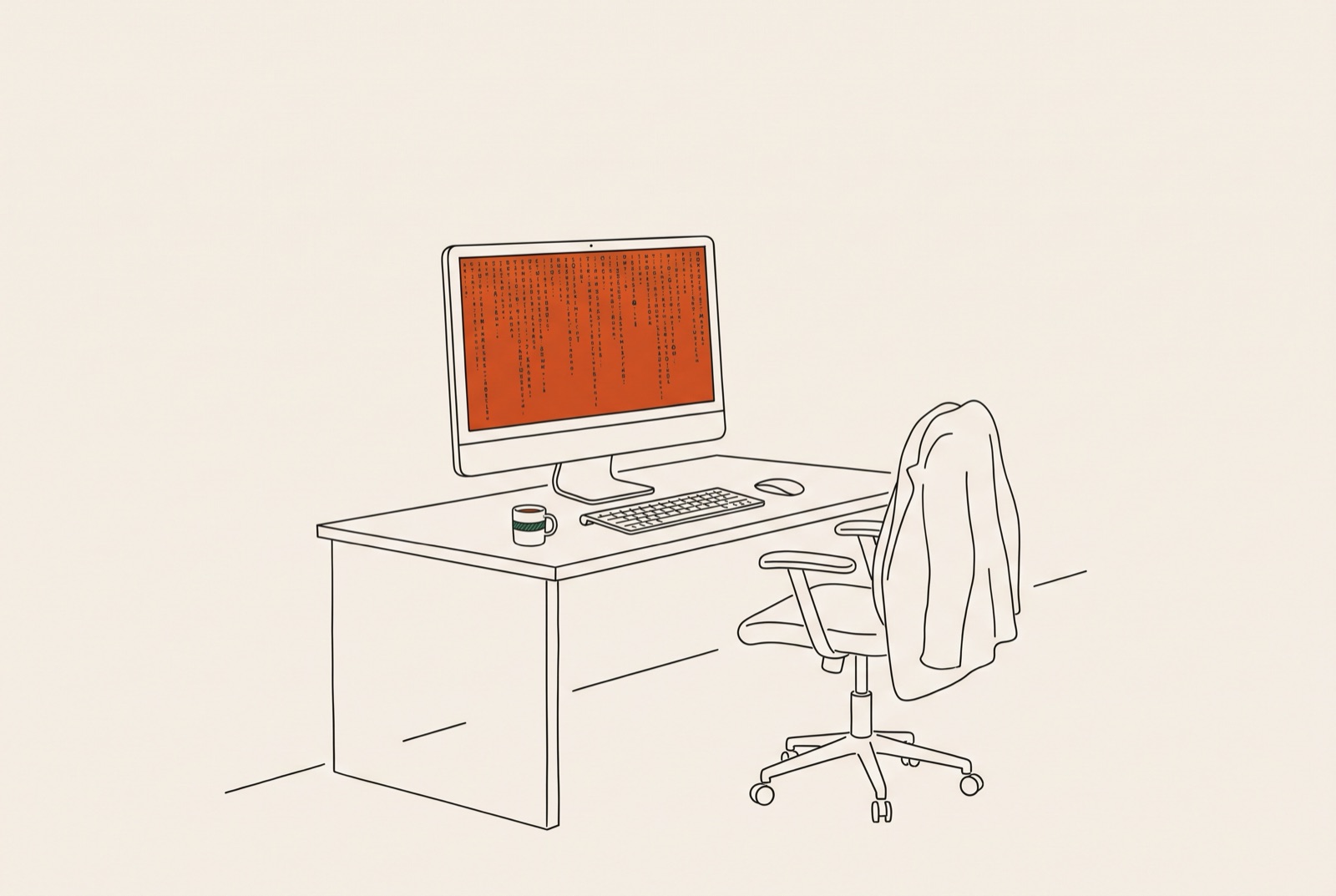
You step away. It keeps raining.
Your agent works on while you get a coffee. Each response lands as a burst of characters with its token count on it, coloured for answers, tool calls and edits.
A panel on screen cycles through today’s tokens, tokens a minute, session used with its reset time, and the last 7 days.
Four styles. Pick one in Settings.
Token rain is what you get first. Choose another in the app’s Settings whenever you like.
What Token rain shows
- Today’s tokens, in a panel that also cycles through tokens a minute, session used with its reset time, and the last 7 days
- A burst of falling characters for each response, labelled with its token count
- Separate colours for answers, tool calls and edits
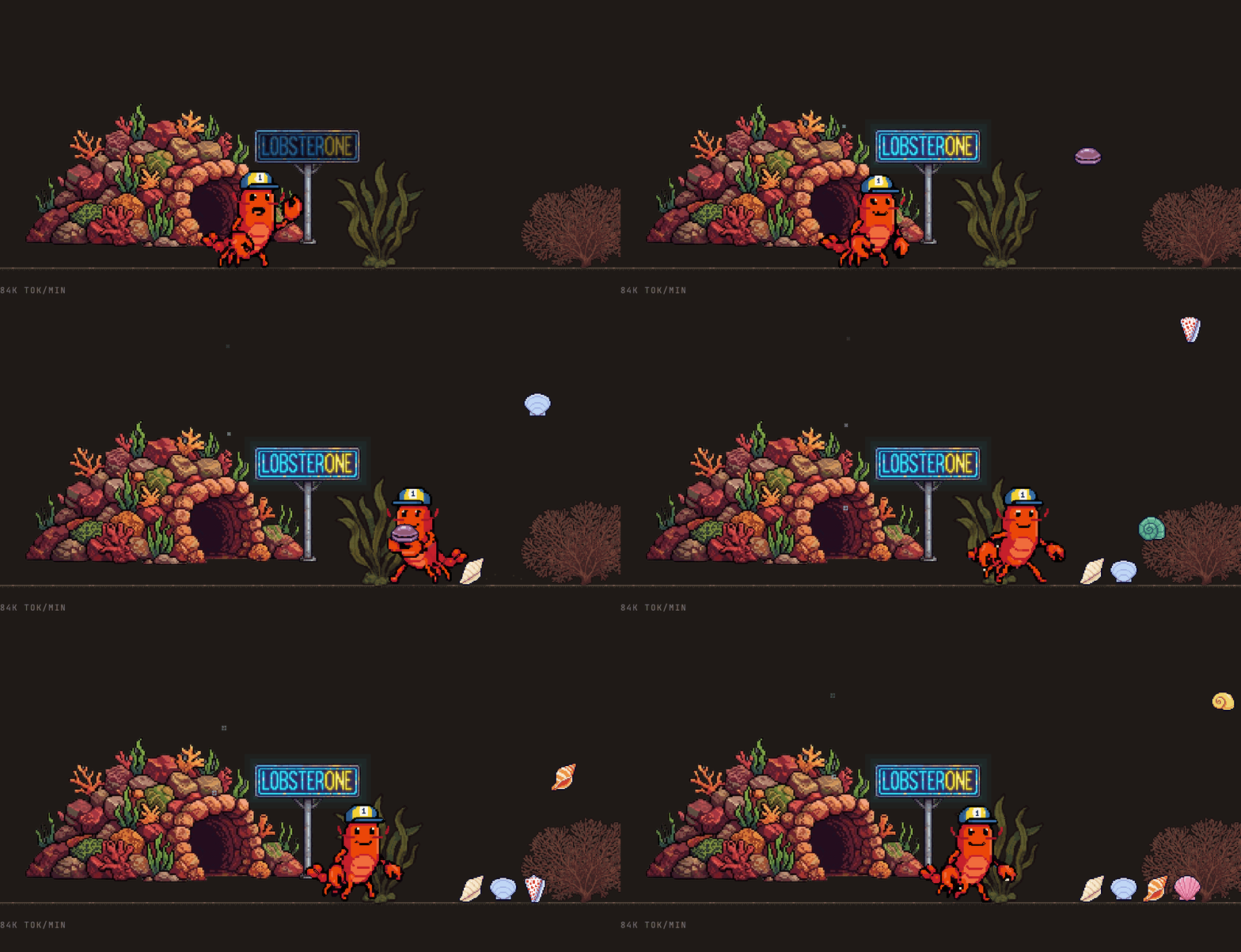
What Garry’s den shows
- Garry hauls a shell for every response
- Today’s tokens, your session and the last 7 days beside the den
What Dashboard shows
- Tokens today, with your plan and rate
- Session used as a ring, with its reset time
- Today’s split by tool and the last 7 days
- A live feed of responses as they land
What Leaderboard shows
- Today’s board on lines shipped
- Your rank and the lines to pass the person above
- Tokens today and your rate
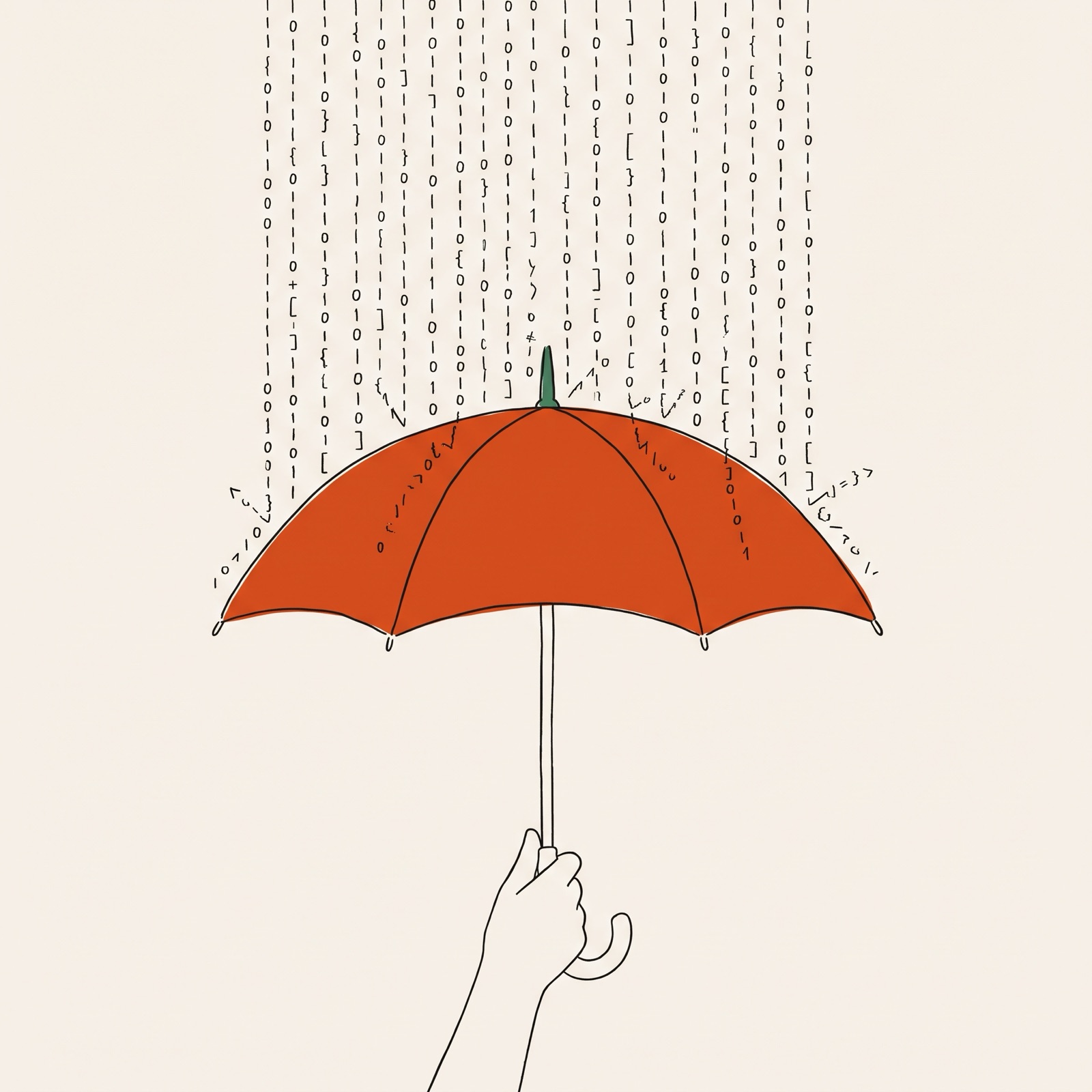
Your code stays dry.
File contents and the AI’s replies never leave your Mac.
See everything we receiveSet it up in a minute.
Install the Mac app
Create a free LobsterOne account and install the menu bar app.
Press Install
Open the app’s Settings and, under Screensaver, press Install.
Choose a style
Token rain, Garry’s den, Dashboard or Leaderboard.
Pick LobsterOne
Press Open System Settings and choose LobsterOne. Updates arrive with the app.
Questions, answered.
Is the screensaver free?
Yes. It comes with the LobsterOne Mac app, which is free for individuals. No credit card.
Which AI coding tools does it work with?
Claude Code, Codex and Mistral Vibe.
How do I install it?
In the Mac app, open Settings, press Install under Screensaver and choose a style. Then press Open System Settings and pick LobsterOne.
Can I change the style later?
Yes. Pick another style in the app’s Settings.
Does it send my code anywhere?
No. The screensaver only shows numbers. The app sends usage numbers and, for Claude Code, the details that sort sessions by project, never file contents.
Let it pour.
Free for individuals. No credit card.