Dictation for Claude Code and Codex on Mac: Local dictation, minus the download.
Hold a key, talk, and your prompt types itself into Claude Code, Codex or any app. Most offline dictation tools bring their own speech model. LobsterOne uses the one macOS already keeps, so dictation adds about half a megabyte.
Free. macOS 26 on Apple silicon.
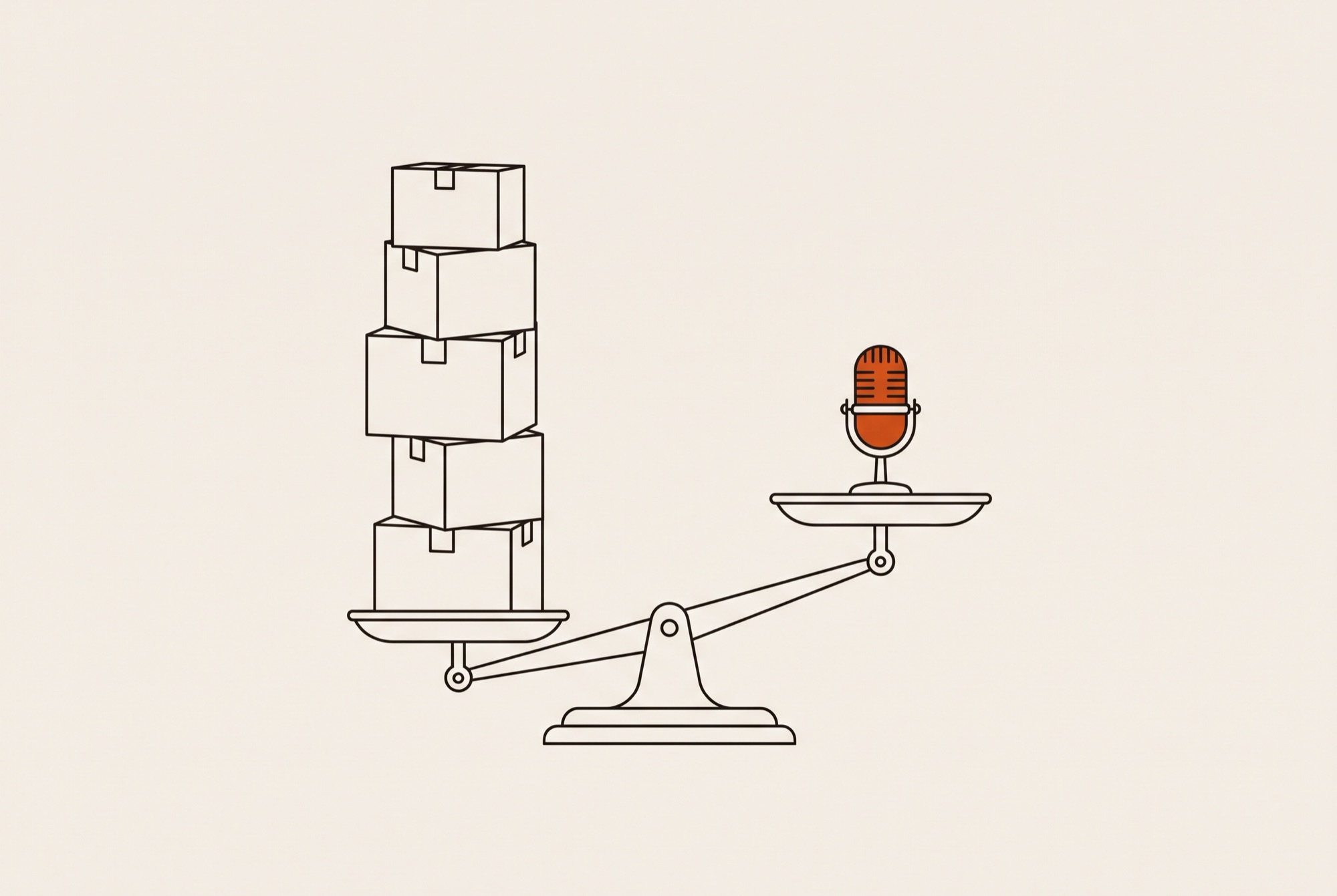
What you download to dictate offline
Drawn to scale, in megabytes- Whisper large-v3-turbocompressed, q5_0 574
- Parakeet V3int8 456
- Whisper small.encompressed, q5_1 190
- Whisper tiny.enfull size 78
- LobsterOne dictationuses macOS’s own model 0.5
That orange hairline is LobsterOne. Here it is at 1,000 times the scale, beside the same row:
Model files as published: whisper.cpp on Hugging Face, Parakeet V3 int8 as listed by the open-source app Handy. LobsterOne’s figure is how much the Mac app grew when dictation was added.
Measured on the Mac app
- 0.5MB
added to the app. The model is the one macOS already keeps.
- ~1s
until the first words appear, while you are still talking.
- 0.07s
from letting go of the key to the last word in place.
- 55×
faster than real time: 6.6 minutes of speech transcribed in 7.3 seconds.
Measured on the LobsterOne Mac app on an M-series MacBook Pro running macOS 26.3.
Hold, talk, let go.
Press and hold the key below, or your own Right Option key, to see how a prompt arrives in Claude Code. This replays a sample; the real thing listens to you.
Hold to dictate
Built from parts your Mac already has.
No model in the bundle, no runtime to install, no server to call. Five pieces of macOS, wired together in Swift.
-
SwiftThe app
A native menu bar app. No Electron shell, no Python runtime, no helper server.
-
SpeechAnalyzerTranscription
Apple’s on-device speech framework in macOS 26, with SpeechTranscriber giving live results as you talk.
-
AssetInventoryThe model
macOS keeps the speech model in system storage and shares it between apps. If your language isn’t there yet, macOS fetches it once.
-
AVCaptureSessionMicrophone
The microphone you choose, opened on its own queue, so the app never stalls while it listens.
-
CGEventTyping
Your words go into the field you were in, as keystrokes or one paste, and your clipboard is put back.
Set it up your way.
Everything lives in one section of the app’s Settings.
- Any shortcut
- Right Option by default. Pick any single modifier held on its own, or a combination like ⌃⌥Space.
- Any microphone
- The system default, or the webcam or headset you choose. Useful on a MacBook with its lid shut.
- Type as you speak
- Words appear while you hold the key and settle as each sentence ends. Or leave it off and the text is pasted when you let go.
- Ten languages
- English, French, German, Spanish, Italian, Portuguese, Japanese, Korean, Chinese and Cantonese, with regional variants.
- Esc to cancel
- Changed your mind mid-sentence? Press Esc and nothing is typed. With Type as you speak, what was typed is removed.
- Any app
- Claude Code and Codex in a terminal, the Claude app, your editor, a browser. If it has a text field, it works.
On in a minute.
macOS asks for each permission once.
Install the Mac app
Create a free LobsterOne account and install the menu bar app.
Switch dictation on
Settings > Preferences > Dictation, then “Dictate into any app”.
Allow two things
The microphone, to hear you, and Accessibility, to type into other apps.
Hold and talk
Hold Right Option, say your prompt, let go.
Your voice stays home.
Audio and text never leave your Mac, and dictation works with Wi-Fi off. LobsterOne’s servers never get the audio. Once your words are in Claude Code, they count as typed: if they open a session, the first 500 characters go to your dashboard, as described in the privacy policy.
Questions, answered.
Is it free?
Yes. Dictation comes with the LobsterOne Mac app, which is free for individuals. No credit card.
What do I need?
macOS 26 or later on a Mac with Apple silicon. On an older macOS, the app explains the requirement and links you to Software Update.
Does my voice leave the Mac?
No. Audio and text stay on your Mac, and dictation works offline. LobsterOne never receives what you say.
Why is there nothing to download?
Most offline dictation tools bring their own speech model, from 78 MB to well over half a gigabyte. LobsterOne uses the model macOS already keeps for its own features, so the app grows by about half a megabyte.
How accurate is it?
Very good for plain speech. Like any speech model it can mishear jargon, so “grep” may come out as “grab”. You can fix a word before you press Return.
Does it work in the terminal?
Yes, in Terminal, iTerm2, Ghostty and other terminals running Claude Code or Codex. Fields that turn on Secure Keyboard Entry, such as password prompts, block typed text; LobsterOne copies it instead so you can paste it.
Does it work on Windows or Linux?
No. It is built on Apple’s speech framework, which only exists on the Mac.
Say it. Ship it.
Free with the Mac app. Free for individuals, no credit card.
Get the Mac app