Claude Code notification sounds for Mac: Hear when Claude Code needs you.
A short sound at five moments of a Claude Code session, so you can look away while it works. Press a card to hear one.
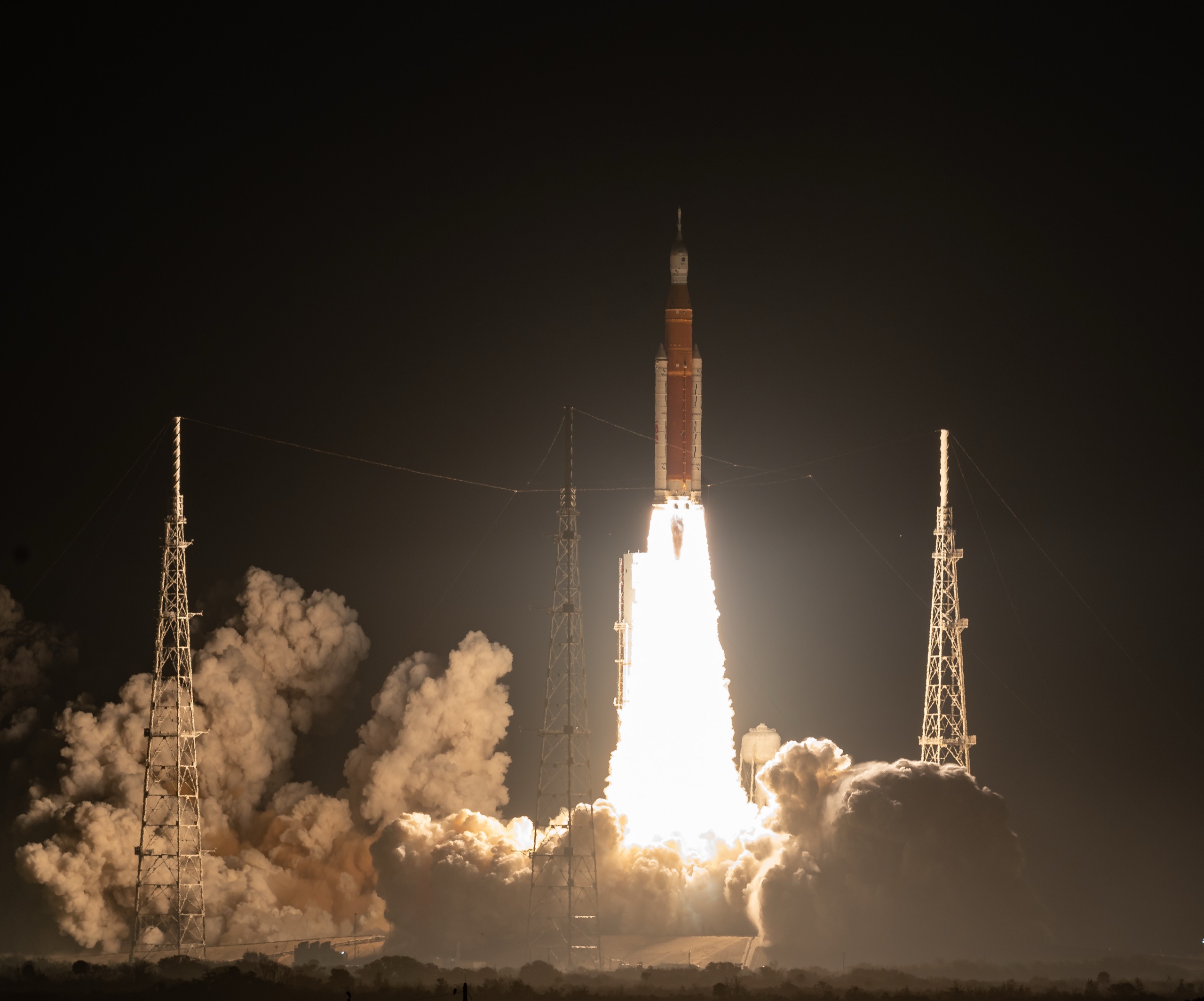
Artemis I launch, 16 November 2022. Photo: NASA/Bill Ingalls. LobsterOne is not affiliated with or endorsed by NASA.
Eight packs. One click sets all five.
A pack fills every moment at once. Press one to hear how its session starts.
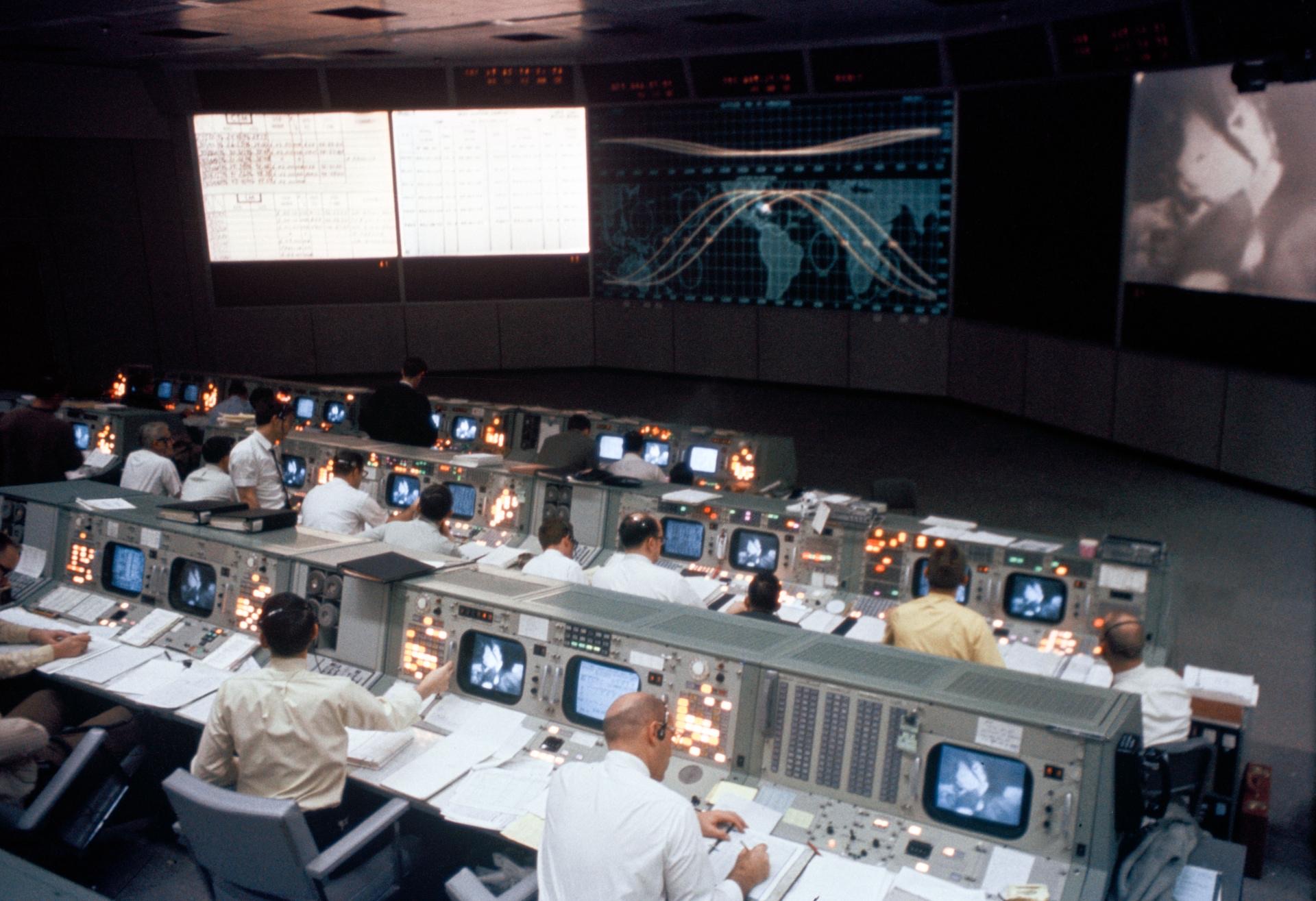
The real recordings, from the archive.
The Mission control and Apollo packs are cut from NASA’s own launch loops and air-to-ground audio, which are in the public domain.
98 sounds in seven sets.
Mix them moment by moment, or use macOS system sounds and audio files of your own.
- Garry
- Chiptune blips.
- Soldier
- Unit voices from Command & Conquer.
- Red Alert
- EVA and unit voices from Red Alert 1 and 2.
- Mission control
- NASA launch and Apollo audio.
- Deep space
- Sputnik, the Mars microphone, Saturn radio and a black-hole merger chirp.
- Signals
- Morse, sonar, a modem and time pips.
- Desk
- Bells, a whistle and a cash register.
Set it to your day.
- A switch for each moment
- Keep the ones you want. Each moment also has its own level, under one main volume.
- Quiet times
- Daily hours when nothing plays, say 22:00 to 08:00.
- Random versions
- A sound that comes in numbered versions plays a different one each time, so three hellos take turns.
- Your own sounds
- Use any macOS system sound, or pick an audio file of your own.
Built on Claude Code hooks.
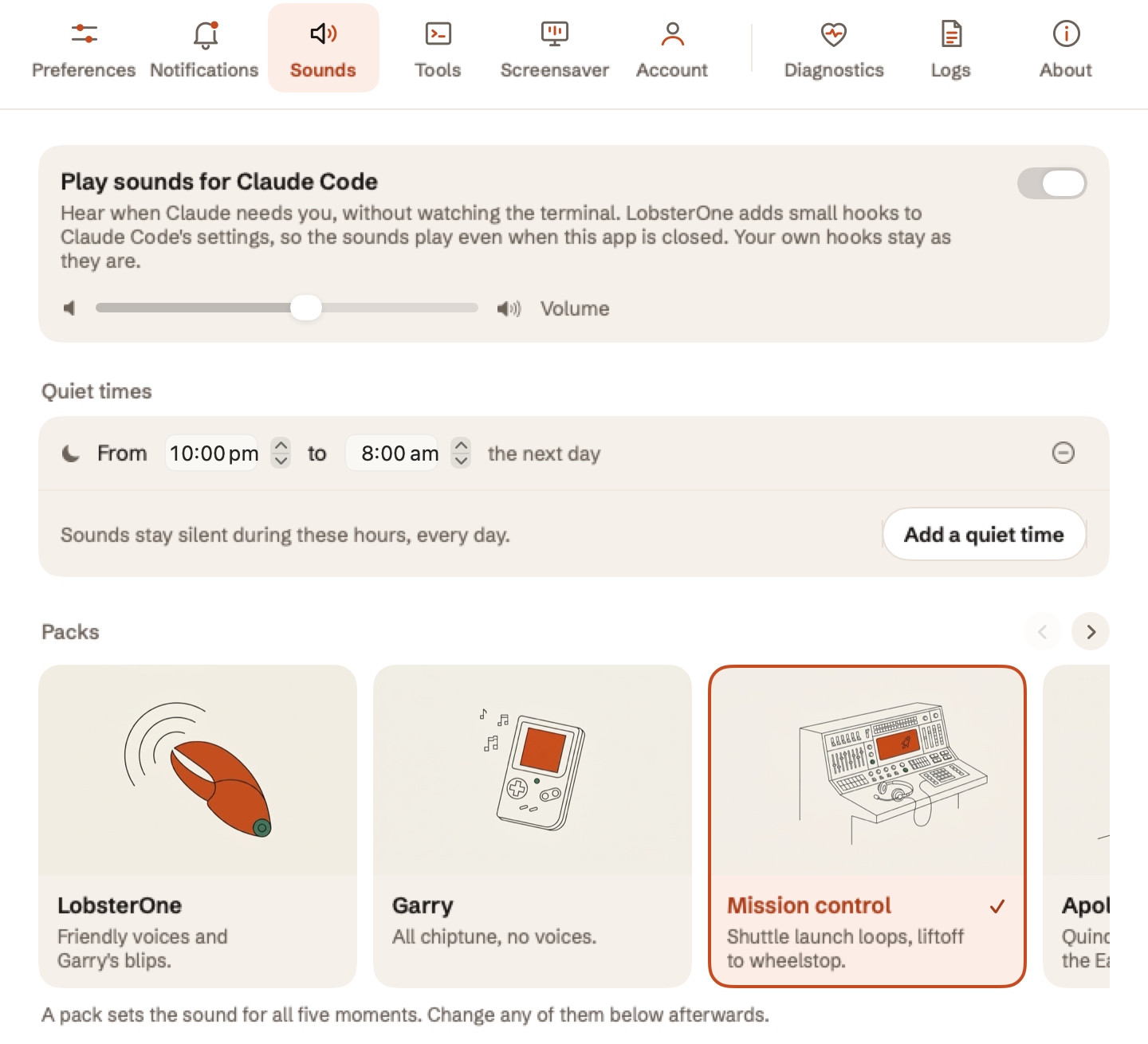
LobsterOne adds small hooks to Claude Code’s settings, so sounds play even when the app is closed.
Your own hooks are left exactly as they are. Turning sounds off removes only LobsterOne’s. Prefer to write the hooks yourself? Here is how.
Install the Mac app
Create a free LobsterOne account and install the menu bar app.
Open Settings > Sounds
It’s a tab in the app’s Settings.
Switch sounds on
Turn on “Play sounds for Claude Code”.
Pick a pack
New Claude Code sessions pick it up.
Stays on your Mac.
Nothing about sounds leaves your Mac. The hooks and the audio files are local.
Questions, answered.
Is it free?
Yes. Sounds come with the LobsterOne Mac app, which is free for individuals. No credit card.
Which tools does it work with?
Claude Code, Codex and Mistral Vibe (3.1.1 or newer). Each gets its own switch, and the sounds run as that tool’s own hooks. Codex asks you to trust them once.
Does the app need to be open?
No. The hooks live in Claude Code’s settings, so sounds play even when LobsterOne is closed.
Will it touch my own hooks?
No. Your existing hooks stay exactly as they are, and turning sounds off removes only LobsterOne’s hooks.
Does it work on Windows or Linux?
Not yet. Sounds come with the LobsterOne Mac app and play through macOS.
Can I set this up without LobsterOne?
Yes. Claude Code hooks can run any command, so you can write them yourself. Our guide to Claude Code notification sounds shows how.
Where does the NASA audio come from?
It is public domain. LobsterOne is not affiliated with or endorsed by NASA.
Look away. Hear your turn.
Free with the Mac app. Free for individuals, no credit card.
Get the Mac app