The tools a vibe coder needs besides the agent fall into nine jobs: seeing limits and spend, knowing when the agent needs you, running sessions side by side, feeding it current documentation, keeping secrets out of the repository, scanning what it wrote, catching errors in production, hosting the result, and getting a second review. Every one of them has a free option, and most take under ten minutes to set up.
Search for the best tools for vibe coders and you get the same list every time: Cursor, Claude Code, Lovable, Bolt, Replit. Those are all answers to one question, which agent to use, and we compared them in our vibe coding tools comparison. This post is about everything after that choice.
A disclosure: we make LobsterOne, and it appears twice below, in the first two sections. Everything else is someone else’s tool. Star counts, licences, and prices were read from each project’s GitHub repository or pricing page on November 18, 2026.
The Toolkit at a Glance
| Job | Free pick | When to pay |
|---|---|---|
| Limits and spend | /usage, CodexBar, ccusage |
When you want history or a team view |
| Alerts | Claude Code hooks | Rarely |
| Parallel sessions | Git worktrees, ccmanager | Rarely |
| Current docs | Context7 | Rarely |
| Secrets | Gitleaks | Never, for a solo project |
| Code scanning | Semgrep | When you need managed rules and triage |
| Production errors | Sentry Developer plan | When a second person joins |
| Backend and hosting | Supabase Free, Vercel Hobby | When real users arrive |
| Review | A fresh agent session | When pull requests pile up |
1. See Your Limits and Your Spend
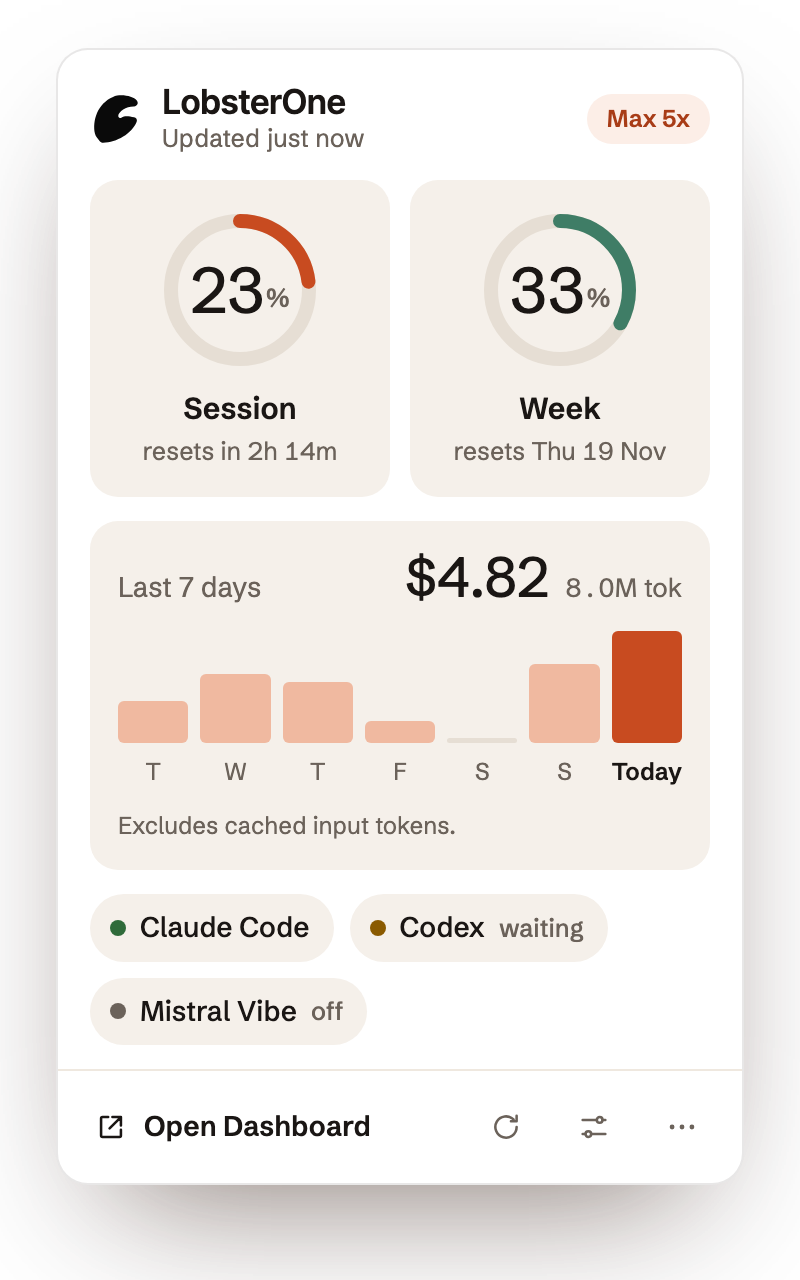
Subscription plans meter in rolling windows, and the worst time to learn you are out is the middle of a task. Start with the built-in command: /usage in Claude Code, /status in Codex. When typing it gets old, put it in your menu bar with CodexBar, which is free and tracks limits for 114 providers. To find out what a month of work would have cost at API prices, run npx ccusage.
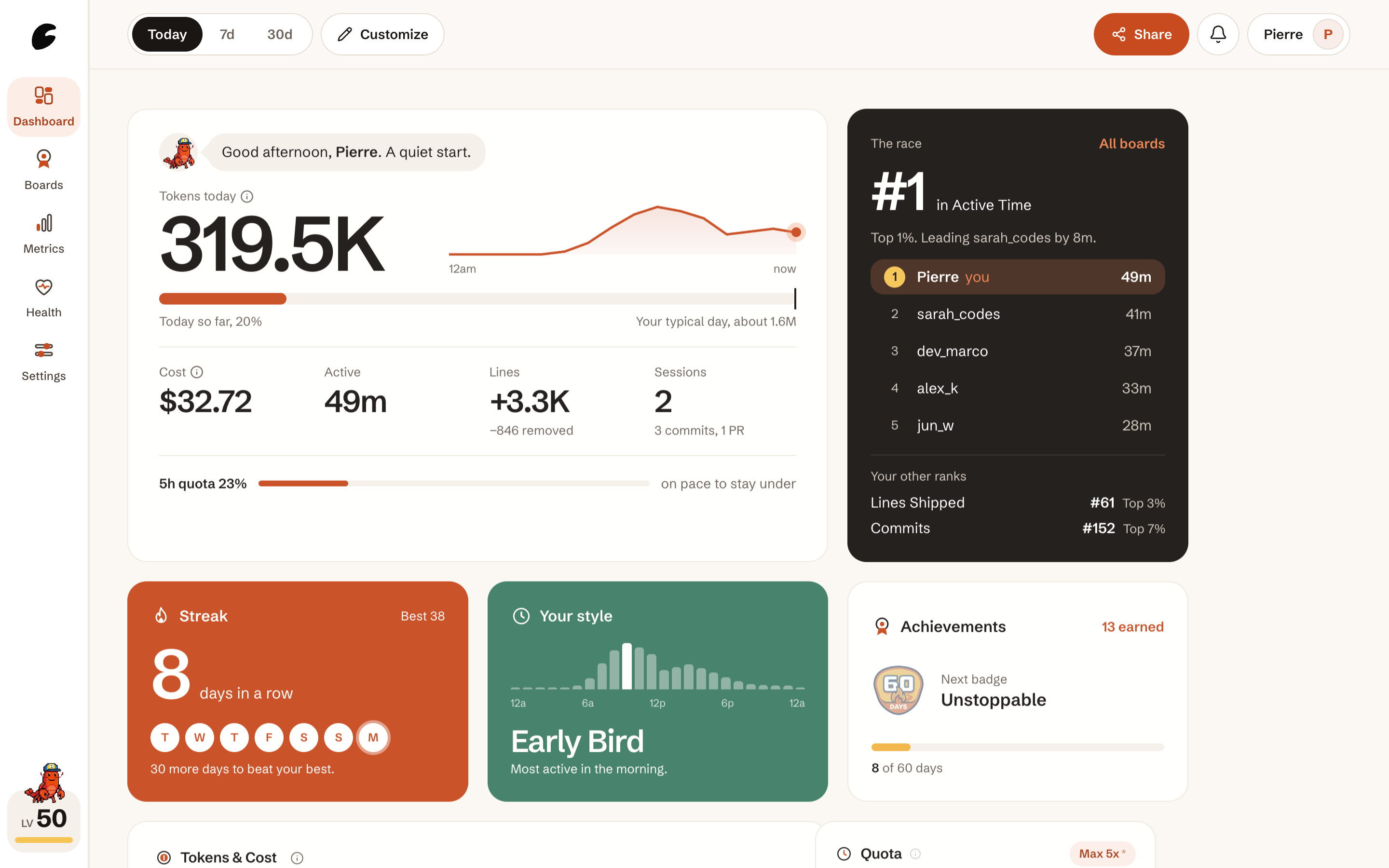
LobsterOne, ours, covers the next question: what the spend shipped. It shows cost next to commits and pull requests for Claude Code, Codex, and Mistral Vibe, and is free for individuals. We compared all twelve options, including where the free ones are the better choice, in the best AI coding usage trackers.
2. Know When the Agent Needs You
An agent that waits silently for permission while you read something else wastes the time it was supposed to save. Claude Code has hooks: shell commands it runs at set moments, including when it needs your input and when it finishes. Point one at a sound or a desktop notification and you can stop watching the terminal.
Our guide to Claude Code notification sounds has the settings to copy. If you would rather not edit JSON, the free LobsterOne Mac app sets the same hooks up for you. That part works with Claude Code only.
3. Run More Than One Session
Once one agent is working unattended, the obvious next move is a second one. The problem is two agents editing the same files. The standard fix is a git worktree per agent: a separate checkout of the same repository on its own branch, so the agents cannot collide.
You can create worktrees by hand with git worktree add. If you want something to manage them, ccmanager is MIT licensed and handles sessions for Claude Code, Codex CLI, Gemini CLI, and several others. Claude Squad is the larger project, at 8,800 stars under AGPL-3.0, and manages multiple terminal agents in one view.
Start with two sessions, not eight. Your review capacity is the limit, not the tool.
4. Give It Current Documentation
Models are trained on a snapshot. Libraries keep releasing. The result is confident code written against an API that changed last spring. Context7 addresses this directly: it serves up-to-date library documentation to AI agents, is MIT licensed, and has 65,000 stars. Connect it once and ask the agent to check the docs before it writes against a library it has not touched in this project.
5. Keep Secrets Out of the Repository
One of the most common serious mistakes in vibe-coded projects is a key committed to git. Agents will paste an API key into a script to make it run, and they will not always tell you. Gitleaks scans a repository and its history for secrets. It is MIT licensed with 31,000 stars. Run it as a pre-commit hook so a key is stopped before it lands, and run it once across your history today to find out what is already there.
Two habits go with it: keep .env in .gitignore, and when a key does leak, rotate it. Deleting the line does not remove it from history.
6. Scan What It Wrote
Generated code tends to work on the happy path and miss what a reviewer would catch: unvalidated input, a route with no authorisation check, a query built from a string. Semgrep is an open-source static analyser under LGPL-2.1 with 17,800 stars. It runs locally or in CI and flags those patterns across many languages. Add it to your pipeline so every pull request is checked, whoever or whatever wrote it. For what to look for and why, see AI code security risks.
7. Catch Errors in Production
You did not write most of the code, so you will not guess where it breaks. An error tracker tells you. Sentry’s free Developer plan covers one user and 5,000 errors, which is enough for a side project; the Team plan is $29 a month. Install it before launch, not after the first complaint.
8. Backend and Hosting
Many vibe-coded web apps end up on the same pair. Supabase provides the database and authentication. Its Free plan allows two active projects with 500 MB of database each and pauses a project after a week of inactivity; Pro starts at $25 a month. Vercel hosts the frontend: Hobby is free, Pro is $20 a month.
One warning about Supabase: turn on row-level security for every table before real users arrive. Without it, anyone holding your public key can read the table. Agents do not always set it up unprompted.
9. Get a Second Pair of Eyes
The agent that wrote the code is the worst reviewer of it, because it shares its own blind spots. The free approach is a fresh session: open a new conversation with no history, hand it the diff, and ask what is wrong. For a dedicated tool, CodeRabbit reviews pull requests automatically. It is free for public repositories and starts at $30 per user per month for private ones.
Neither replaces reading the diff yourself. Our guide to code review practices for AI-assisted work covers what to read first.
What It Costs
Nothing, to start. Every job above has a free pick, and a solo developer can run the whole toolkit without paying for anything beyond the agent’s own plan. The first things worth paying for are usually hosting, when a free project pausing after a quiet week becomes a problem, and error tracking, when a second person needs to see the errors.
Where to Begin
Do not install all nine today. In order of how much trouble each one saves:
- Gitleaks, because a leaked key is the only mistake here that costs money while you sleep.
- A notification hook, because it gives you your attention back immediately.
- A usage tracker, the first time a limit surprises you.
- Everything else, when the project has users.
Track these metrics automatically with LobsterOne
Get started freeThe agent gets the attention, but the tools around it decide whether what you build survives contact with real users. Pick the agent once. Build the toolkit as you go, and keep following the practices that make any agent effective.