The best tools for AI-first developers in 2026 form a stack of seven layers rather than a single product: a terminal agent, an AI editor, a context layer built on MCP, automated review, security scanning in CI, a way to run agents in parallel, and measurement. Most roundups cover the first two and stop. The other five are where an AI-first workflow either holds up on a real codebase or quietly produces debt.
By AI-first developer we mean a working engineer who starts most tasks by delegating to an agent and spends their own time on direction and review. If you are building your first app and have never opened a pull request, the vibe coder’s toolkit is the better starting point. This post assumes an existing codebase, colleagues, and a CI pipeline.
A disclosure: we make LobsterOne, and it appears once, in the measurement layer. Prices, licences, and star counts were read from each vendor’s pricing page, documentation, or GitHub repository on November 18, 2026.
The Stack at a Glance
| Layer | Common picks | Free way in |
|---|---|---|
| 1. Terminal agent | Claude Code, Codex | Aider with your own API key |
| 2. Editor | Cursor, GitHub Copilot, Devin Desktop | Google Antigravity |
| 3. Context (MCP) | GitHub, Playwright, Chrome DevTools, Context7 servers | All four are open source |
| 4. Review | Claude Code Review, Copilot code review, CodeRabbit | /code-review in Claude Code |
| 5. Security in CI | Semgrep, Gitleaks | Both are open source |
| 6. Orchestration | Git worktrees, Claude Squad, ccmanager | All three |
| 7. Measurement | Vendor analytics, OpenTelemetry, LobsterOne | ccusage, OpenTelemetry export |
Layer 1: A Terminal Agent
This is where the delegated work happens. A terminal agent reads the repository, edits files, runs the tests, and iterates until they pass.
Claude Code is included in every paid Claude plan: Pro at $20 a month, Max at $100, Ultra at $200. Codex comes with every ChatGPT plan, and its CLI is open source under Apache-2.0 with 135,000 GitHub stars. Aider is the vendor-neutral option, also Apache-2.0, with 50,000 stars; you bring an API key for whichever model you prefer, including local ones.
The differences between the first two are smaller than their fans suggest. We compared them, along with Mistral Vibe, in Claude Code vs Codex vs Mistral Vibe. Many developers end up with both.
Layer 2: An Editor
The agent handles the task you hand off. The editor handles the work you stay inside: reading code, small edits, completions as you type.
Cursor runs from a free plan through $8, $30, $100, and $200 tiers. GitHub Copilot has a free plan and paid tiers at $10, $39, and $100, and is the easiest to get approved in a large company. Devin Desktop, the editor formerly sold as Windsurf, has a free plan and a $20 Pro tier. Google Antigravity is free for individuals. Full detail is in our vibe coding tools comparison.
One editor is enough. The common mistake is paying for three and using one.
Layer 3: Context, Through MCP
An agent is only as good as what it can see. The Model Context Protocol is the standard way to give it more: a server exposes a tool or a data source, and any agent that speaks MCP can use it. The protocol began at Anthropic and is now run as a Linux Foundation project, which is why nearly every agent supports it.
Four servers cover most needs, and all are open source:
- GitHub’s MCP server (MIT, 34,600 stars) for issues, pull requests, and repository search.
- Playwright MCP (Apache-2.0, 39,800 stars) so the agent can drive a browser and check its own frontend work.
- Chrome DevTools MCP (Apache-2.0, 58,100 stars) for console errors, network requests, and performance traces from a live page.
- Context7 (MIT, 65,000 stars) for current library documentation, so the agent stops writing against last year’s API.
Resist installing twenty. Every connected server adds tool descriptions to the agent’s context on each request, which costs tokens and attention. Add one when you notice the agent guessing at something it could look up.
Layer 4: Automated Review
When agents write most of the code, review becomes the bottleneck and the main defence. An AI reviewer does not replace a human one, but it catches the mechanical problems first so the human can spend time on design.
- Claude Code Review is available on Claude Team and Enterprise plans. Several agents examine each pull request in parallel, a verification step filters false positives, and findings arrive as inline comments. It never approves or blocks a merge.
/code-reviewruns the same idea locally in a Claude Code session, on any plan.- Copilot code review is part of the paid Copilot plans, not the free one, and can be set to review every pull request automatically.
- CodeRabbit starts at $30 per user per month and is free for public repositories. Greptile charges $1 per credit, with a free Starter plan for one developer.
Whichever you choose, keep the rule that a person reads the diff before it merges. Our guide to code review practices for AI-assisted work covers how to make that sustainable.
Layer 5: Security Scanning in CI
Review catches what a reader notices. A scanner catches what a pattern can describe, every time, without getting tired. Two open-source tools cover the basics:
- Semgrep (LGPL-2.1, 17,800 stars) for static analysis: injection, missing authorisation checks, unsafe deserialisation.
- Gitleaks (MIT, 31,000 stars) for secrets, both as a pre-commit hook and across history.
Put both in the pipeline so they run on every pull request, whoever or whatever wrote it. We describe a full gate in AI code quality gates for CI/CD.
Layer 6: Running Agents in Parallel
One agent working while you wait is a modest gain. Two or three working on separate tasks while you review a fourth is where the workflow changes. The requirement is isolation: each agent needs its own checkout so they do not overwrite each other, and a git worktree per agent is the standard answer.
You can manage worktrees by hand. Claude Squad (AGPL-3.0, 8,800 stars) and ccmanager (MIT) manage sessions across Claude Code, Codex, and other terminal agents.
This layer is changing fastest, and several tools in it have been renamed or shut down this year. Prefer something small that sits on top of plain git, so nothing is lost if the tool disappears.
Layer 7: Measurement
This is the layer most lists leave out, and the one that tells you whether the other six are worth what you pay for them. An AI-first developer can spend a few hundred dollars a month across plans. Without measurement, the only evidence that it helps is a feeling, and feelings about AI productivity are unreliable.
What to measure is cost against output: what a merged pull request cost, how that changes over time, and which tool produced it. Volume alone, tokens or messages, rewards the wrong behaviour.
- OpenTelemetry export. Claude Code can emit metrics for tokens, cost, lines of code, commits, pull requests, and sessions when
CLAUDE_CODE_ENABLE_TELEMETRY=1is set. Prompts are redacted by default. If you already run an observability stack, this is the do-it-yourself route. - Vendor analytics. Anthropic’s Claude Code analytics is included in Team and Enterprise plans and attributes merged pull requests to Claude Code. It covers Claude only.
- ccusage answers the individual spend question from local logs with one command.
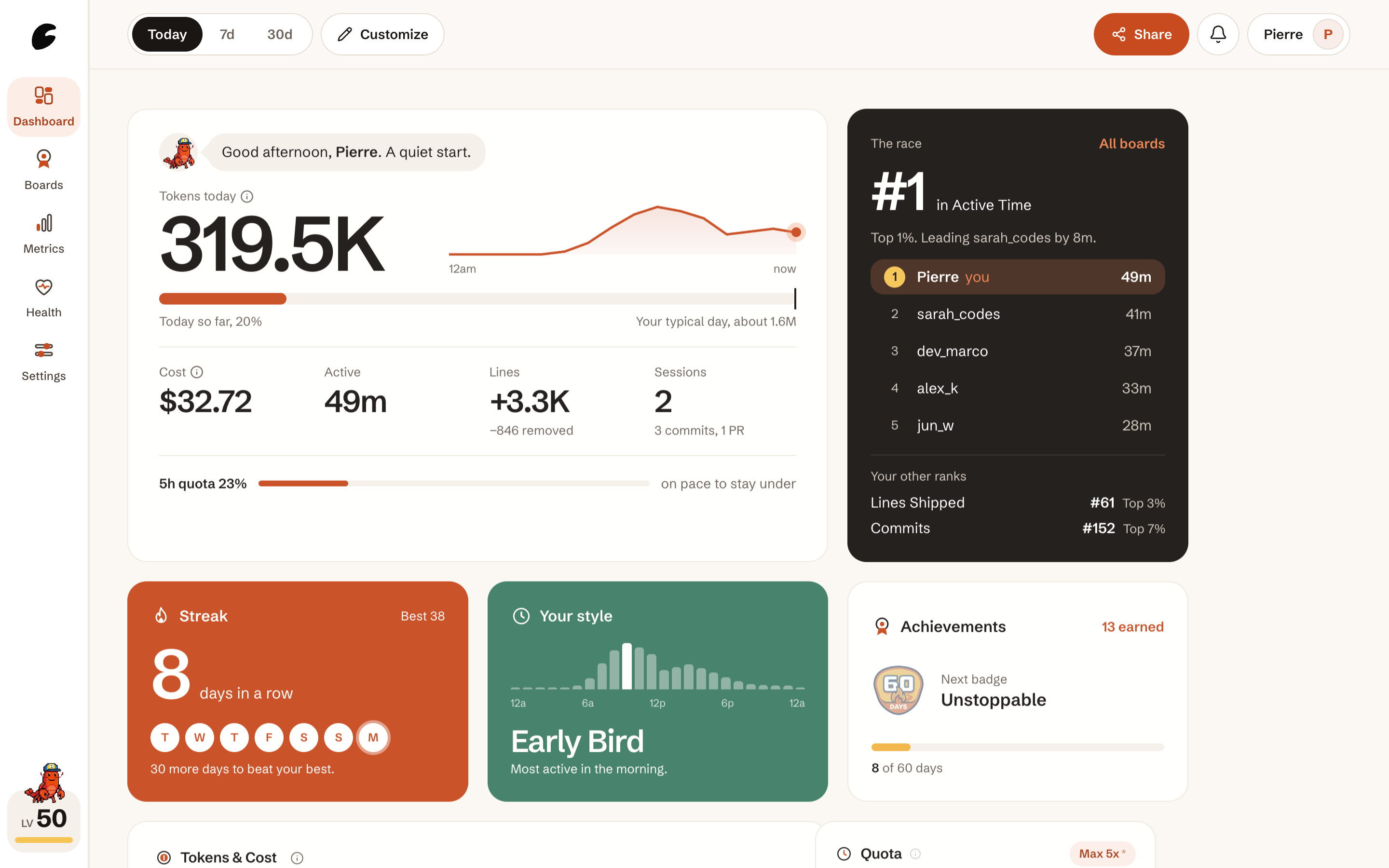
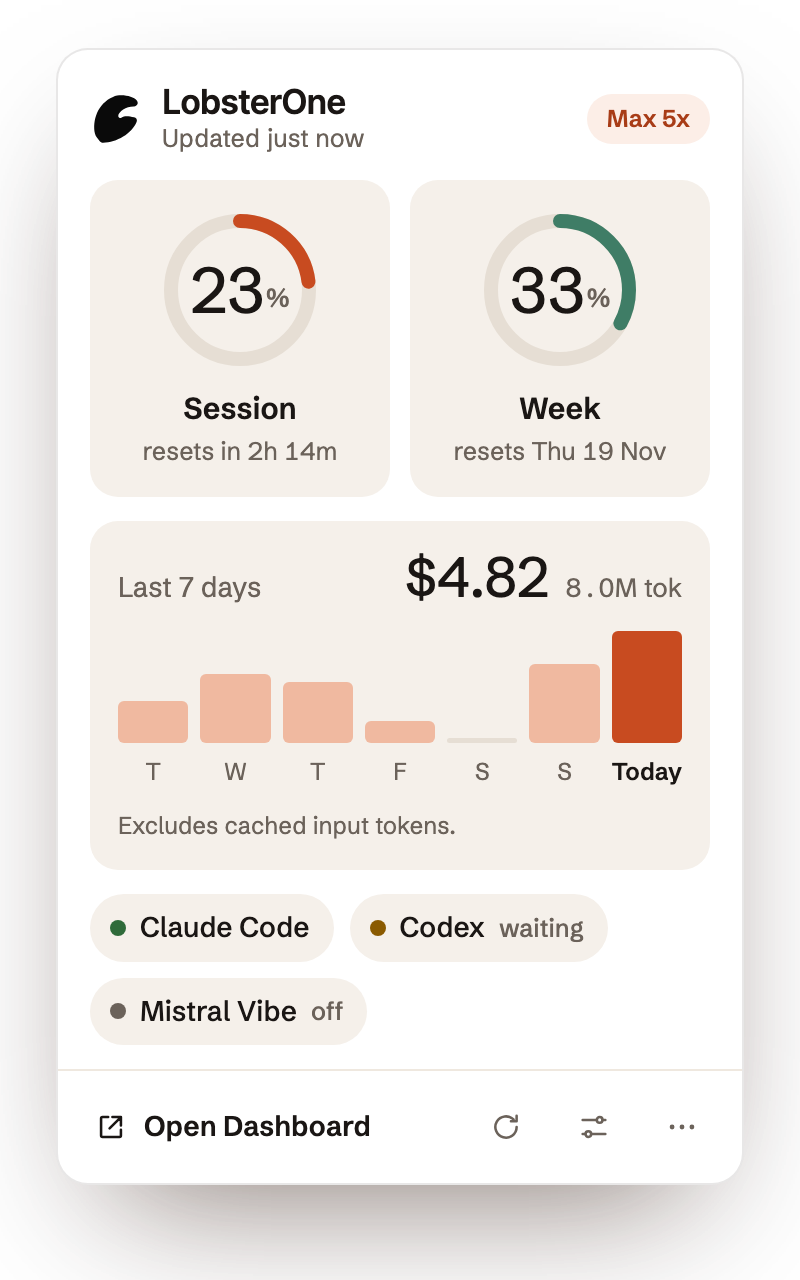
- LobsterOne, ours, is built on that same OpenTelemetry data. It puts Claude Code, Codex, and Mistral Vibe in one dashboard with cost per pull request and cost per line, never receives file contents or the AI’s replies (for Claude Code it reads the opening of each session’s first prompt and the file paths, only so you can sort your token use by project), and is free for individuals; teams pay $4.90 per seat per month. It does not cover Copilot or Cursor’s own models.
The full comparison, including where free local tools are the better choice, is in the best AI coding usage trackers. For which numbers to watch, see AI development KPIs.
A Sensible Starting Stack
You do not need all seven layers on day one. A reasonable order:
- One terminal agent on a $20 plan, and the editor you already use.
- Gitleaks and Semgrep in CI, before the volume of generated code grows.
- An automated reviewer on every pull request.
- One or two MCP servers, chosen by what the agent keeps getting wrong.
- Measurement, as soon as you are paying for more than one plan or more than one person.
- Parallel agents last, once review and scanning can absorb the extra output.
Track these metrics automatically with LobsterOne
Get started freeThe order matters more than the brands. Agents and editors will keep leapfrogging each other, and switching between them is cheap. The layers that protect the codebase and tell you what the work cost are the ones worth getting right. If you are choosing for a whole team rather than for yourself, our guide to AI toolsets for dev teams covers the evaluation criteria.